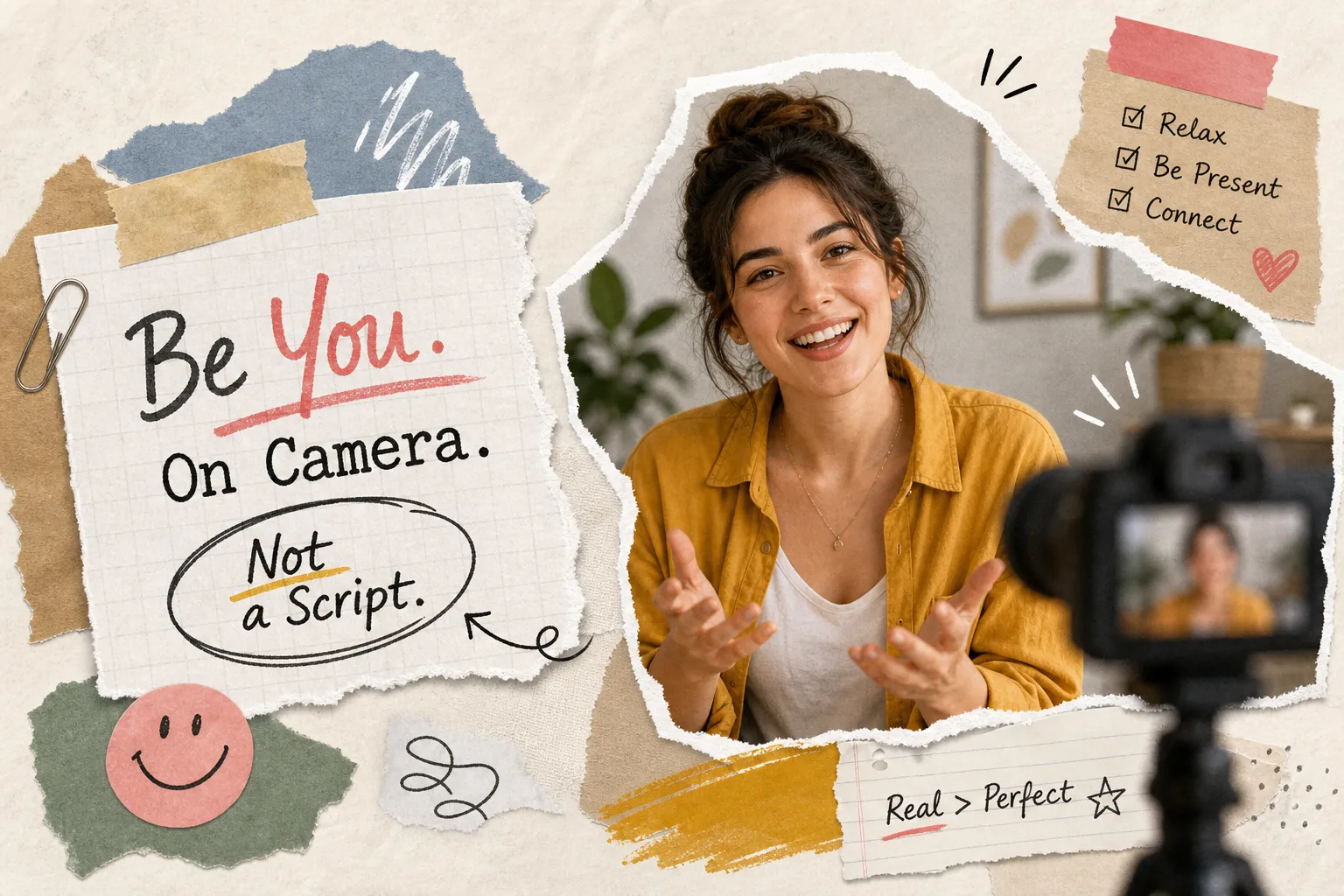
How do I come across well on camera without memorising a script? It’s a question most business owners ask at some point, usually right before they freeze in front of a lens. Memorising a script feels like the responsible thing to do. You want to be prepared. You want to get it right. But that instinct works against you, because memorised delivery produces stiff posture, blank eyes, and that unmistakable quality where every sentence sounds retrieved rather than spoken. Research consistently shows that viewers detect scripted delivery quickly and tend to trust conversational, unscripted styles more.
The most effective business videos aren’t performed. They’re prompted. The subject knows their material, has a loose structure in mind, and speaks because they’re answering something rather than reciting something. That distinction sounds small, but it changes everything on screen. It’s the method built into the production approach at This Video Works, where business owners who’ve never been on camera walk in nervous and leave with footage that actually converts. This guide covers the practical techniques that make it work, whether you’re filming with a crew or setting up a phone on a shelf at home.
Why memorising a script works against you
Memorisation increases cognitive load. Speakers must retrieve lines and manage delivery at the same time, and that split attention is visible. The eyes go slightly unfocused. The face flattens between sentences. The rhythm becomes mechanical, with pauses landing in the wrong places. None of this is obvious to the speaker, but it reads clearly to anyone watching.
Natural delivery looks different in almost every way. There are small self-corrections. The pace varies within a sentence, not just between them. Eye movement suggests thinking rather than scanning. Genuine pauses happen when the idea warrants them, not when the next word needs to surface. These are the signals that tell a viewer the person speaking actually means what they’re saying.
Dropping the full script isn’t the lazy option, it’s the smarter one. The goal isn’t a perfect performance; it’s a believable one. A stumble or a repeated phrase is far easier to edit out than flat intonation across an entire segment. Industry research consistently finds that viewers prefer authentic-feeling content, and that scripted polish can sometimes reduce perceived authenticity. Trust and polish are not the same thing, and on camera it’s trust that converts.
How do I come across well on camera? Start with bullet-point scripts
The method that sits between winging it and over-scripting is chunking. Instead of writing out every word, you break your message into three to five short anchor points and commit only those to memory. The exact phrasing stays free; the structure does not. This approach gives you something to return to mid-sentence without locking you into exact wording, a practical alternative to both the full script and the blank page.
How chunking your message improves delivery
Short anchors are easier to retrieve than long sentences, which means your attention stays on how you’re speaking rather than what you need to say next. When you know three points cold, you can hit them in any order, in any phrasing, without losing the thread. The delivery sounds spontaneous because it genuinely is, within a frame that keeps the content coherent.
A simple bullet-point template for any on-camera segment
Use this structure for any short business video segment, regardless of topic:
- Hook: one sentence on why this matters to the viewer
- Core points (2, 4): one idea each, nothing more
- Close: one sentence reinforcing the message or offering a clear next step
Keep each bullet short, a few words or a brief phrase, on the physical cue card. The short prompt triggers the full thought without creating a reading task. “Trust builds before expertise” is more useful on a card than “Clients need to feel they can trust you before they care about your qualifications.” These are, in effect, cue cards for video: low-tech, highly effective teleprompter alternatives that don’t require any kit.
Eye-line and note placement: how to read without looking like you’re reading
The core principle here is simple: the smaller the angle between your notes and the camera lens, the less visible your eye movement. A very small shift looks like thinking. A large downward or sideways shift looks like reading. Everything else follows from that.
Placing notes close to the lens
A sticky note or small cue card placed directly beside or just below the camera lens lets you check your anchors with minimal visible eye shift. Use large text with generous spacing so your eyes spend less time off-axis. Short bullets mean less scanning; less scanning means the movement is almost undetectable. If you’re filming on a phone or laptop, attach the cue card with a bit of tape directly at the top of the frame, not off to the side on a separate surface.
In terms of autocue placement, the hierarchy from most natural to least runs as follows: a teleprompter directly in front of or very near the lens; notes just below the lens; notes to one side at eye level; notes on a desk or in your lap. The desk option is the most common choice for first-timers and the most visible to anyone watching, so move those notes up.
The autocue and app options worth knowing about
Voice-tracked teleprompter apps such as PromptSmart Pro and VoicePrompter scroll with your speech rather than requiring manual control, which keeps your head steadier and reduces the temptation to rush. The physical rule that matters most is the same regardless of which app you use: the device must sit at eye level, adjacent to the lens. Placing a device flat on a desk below the camera can be less effective than a lens-adjacent setup because it forces constant downward eye movement throughout the segment, precisely the thing you’re trying to avoid.
If you do choose the teleprompter route be prepared to put hundreds of hours practice into it, it would never be our recommendation except for actors well used to them.
The interviewer technique: looking at a person, not a lens
A camera lens is an abstraction. A human face is not. This is the most underused technique for anyone who finds cameras uncomfortable, and it works because it removes the abstraction entirely. When a director or interviewer sits just off-camera and asks questions, the subject responds to a person. The conversational circuit is complete, and the result is almost always more natural than anything scripted.
A good technique we employ when filming podcasts is to have a central camera filming the participants who ideally face each other, with a camera to each side, filming each person directly, though at a slight angle so that the camera is not directly in view. The main camera is to the side once the conversation begins and is quickly forgotten, and the secondary cameras also become invisible, especially as the conversation becomes interesting to all parties. Careful and sympathetic editing brings the different camera views together for an immersive interview or discussion.
Why conversation draws out better answers than delivery
Answering a question triggers a different mode of speech from reciting a script. The answer is generated in real time, which means pacing, word choice, and emphasis are all organic. The camera captures the thinking as well as the words, and that quality of visible thought is exactly what makes a viewer lean in rather than scroll past. Documentary filmmakers and broadcast journalists default to interview structures rather than to-camera monologues for precisely this reason: it reliably produces credible delivery from non-professional speakers.
How to set up an off-camera conversation for solo recording
If you’re filming alone, the same principle applies with a small adaptation. Instead of statements on your cue card, write questions: “Why does this matter to your clients?” or “What do most people get wrong about this?” Your brain generates an answer rather than retrieving a line, and the shift in mental mode is immediately audible in the delivery. Alternatively, record a colleague asking questions via audio only and respond to their voice. The conversational trigger is enough; it doesn’t require eye contact to work.
A short pre-camera routine that makes delivery sound conversational
Physical tension shows on camera before you’ve said a word. Tight shoulders read as discomfort. A constricted voice reads as nerves. A three-minute routine before filming addresses both and shifts the mental state from anxious performer to natural speaker.
Breathing and physical release
Start with three slow breaths, four counts in and four counts out. This steadies the voice and genuinely lowers the stress response rather than masking it. Follow with shoulder rolls and a gentle neck release to remove the tension that reads as stiffness on screen. Thirty seconds of humming on a comfortable note warms the voice without strain and brings your attention into your body rather than your head.
The contrast reading drill
Take the first three bullets from your cue card and read them twice out loud. The first time, go completely over the top: theatrical, exaggerated, almost absurd. The second time, say them as simply as possible, as if you’re explaining the idea to one person over a coffee. The contrast recalibrates your delivery. That second read almost always sounds more natural than anything rehearsed in the conventional way, because the over-the-top version clears out the performance instinct. Use it as your reference point before you hit record.
When the filming setup does the heavy lifting
The techniques above work well for self-directed recording. The fastest route to a natural, confident on-camera performance, though, is a production setup designed specifically for people who don’t live in front of cameras. That means a director who asks rather than directs, a structure built around prompts rather than scripts, and a crew that knows how to create conditions where genuine responses happen without pressure.
And don’t be in too much hurry to move onto the next question, allow yourself time to talk about anything relevant that pops into your mind, personal experiences, examples you can talk about. These can be the moments in any clip but rush forward and they will never happen. A good interviewer will know how to help draw them out.
What prompt-led production looks like on the day
There is no script to memorise. No teleprompter to manage. No pressure to deliver a line perfectly on the third take. A director asks a thoughtful question, you answer it, and that response is shaped in the edit. The footage that results sounds like you rather than a performance, because that’s exactly what it is. This is the method at the centre of what This Video Works does: prompt-led filming built specifically for business owners, professional services firms, and anyone who finds a camera lens intimidating.
Why removing the pressure produces better business video
The most trust-building business videos are the ones where the subject looks like themselves. Viewers respond to credibility rather than polish, and survey research consistently indicates that audiences prefer authentic, human-presented content over highly produced, scripted alternatives. When the production removes the performance burden entirely, the business owner can focus on being themselves on camera rather than managing a script, a teleprompter, and their own nerves simultaneously. This Video Works handles the technical side, framing, audio, lighting, and post-production distribution, so the only job left on the day is the conversation.
The takeaway: how to come across well on camera without memorising a script
Memorising is the problem, not the solution. Every technique in this guide works because it reduces cognitive load and shifts attention back to communication rather than performance. Bullet anchors give you structure without locking you into phrasing. Smart note placement, a form of low-cost autocue placement, keeps your eyes near the lens. The interviewer approach removes the abstraction of the lens entirely. A quick pre-camera routine releases physical tension before it shows on screen.
You don’t need to be a natural on camera. You need a setup that draws the natural out of you. That is a very different thing, and with the right approach, whether that’s cue cards, a voice-tracked app, or a prompt-led interview, it’s entirely within reach before your next shoot.